
Face-to-Face Chats: Turn Your Phone into a Caption Screen
Put the phone down and your words become large text the person across from you can read.
Steps
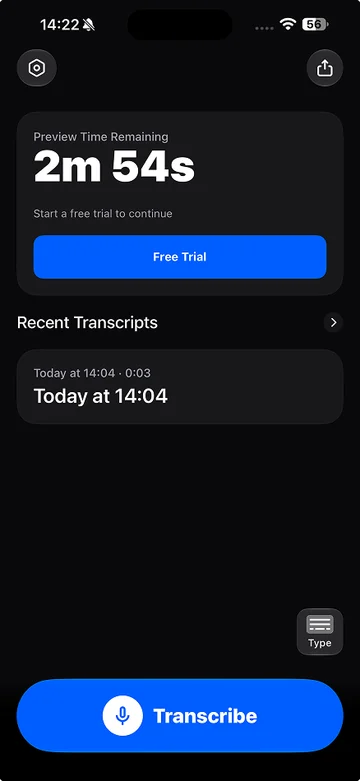
Open the app and tap "Transcribe" at the bottom of the home screen.
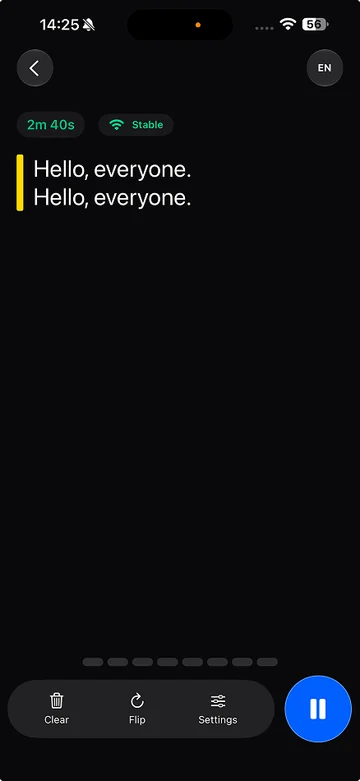
Tap the language code at the top right (such as "EN") and choose the language you want to transcribe.
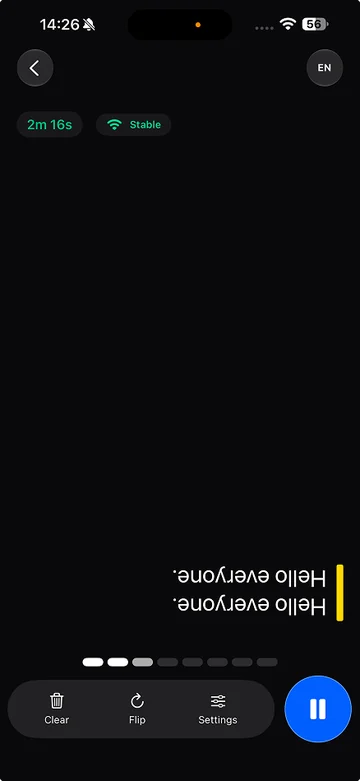
Tap "Flip" at the bottom: the text turns 180°, so the person sitting across from you can read it upright.
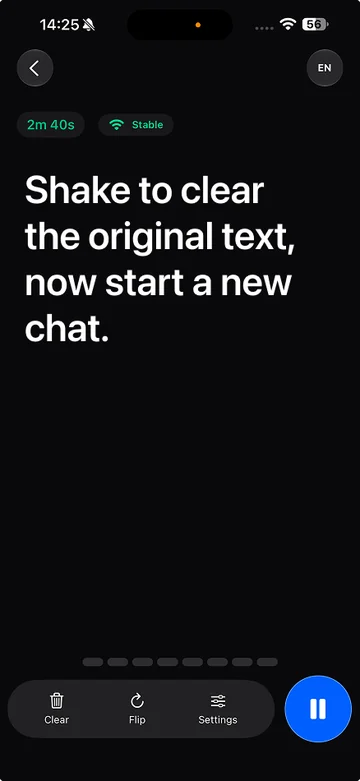
When a round ends, give the phone a gentle shake to clear the screen for the next one.