
Group Conversations: See Who Said What
Speakers are labeled automatically — no guessing.
Steps
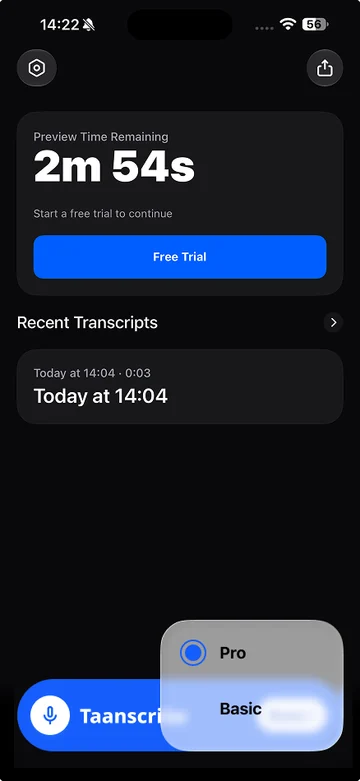
Tap the PRO button next to "Transcribe" on the home screen to switch to the Pro model.
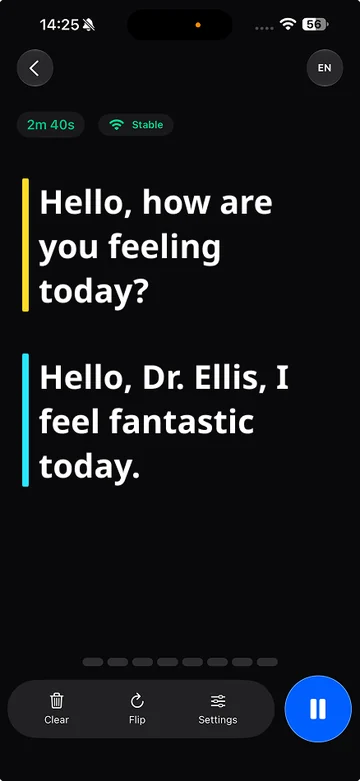
Start transcribing — each speaker is labelled and separated automatically.
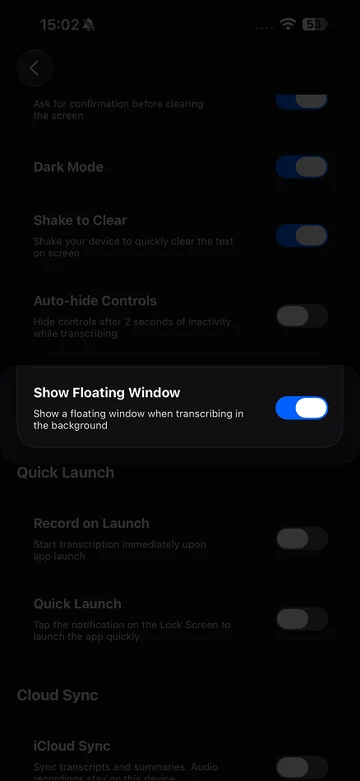
Need to reply to a message? Go to Settings > Transcription & Reminders and turn on "Floating Window".
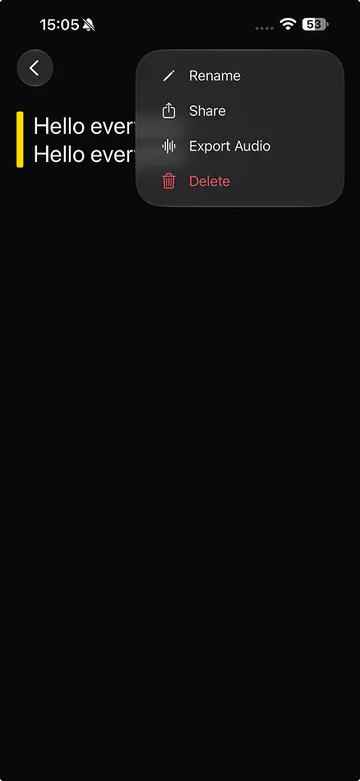
Afterwards, open your records list, swipe left on a record, and export it as text (.txt) or audio (.aac).