
When You Can't Speak: Type It and Let Them Read
A quiet room, a sore throat, or simply no wish to talk — type it and let them read your screen.
Steps
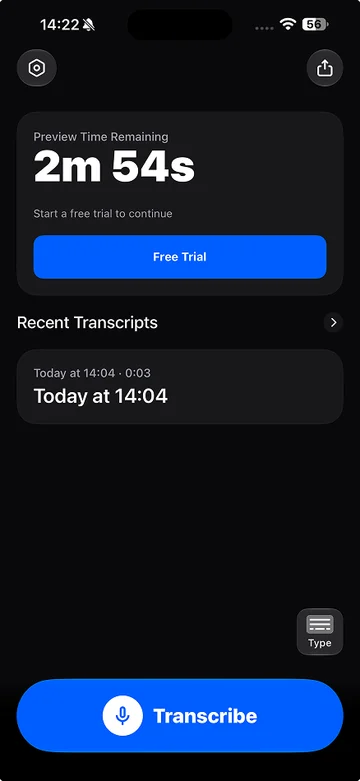
Tap the floating "Type" button on the right side of the home screen.
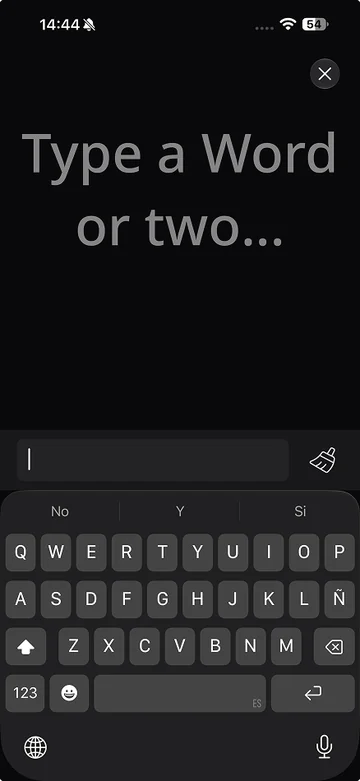
The keyboard opens — type what you want to say.

Your words appear instantly in large text in the display area above.
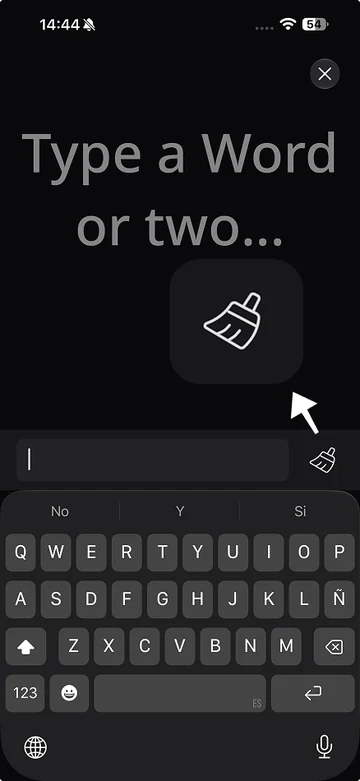
Tap the broom icon next to the input box to clear it and start over.