
Doctor Visits: Get a Buzz When a Name or Medicine Comes Up
Save the medicine names you hear often — when one comes up, your phone buzzes.
Steps
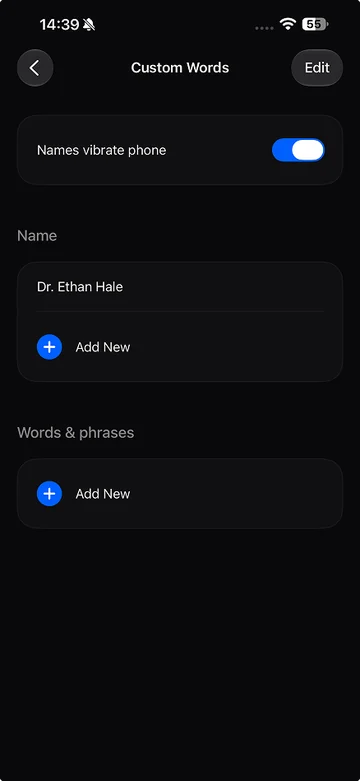
Go to "Settings" > "Custom Words" and switch it on, then tap "+ Add" under "Names" to enter the patient's and the doctor's names.
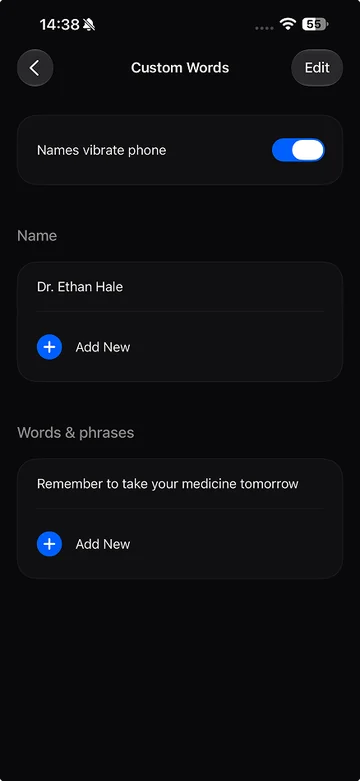
Under "Words and Phrases", tap "+ Add" to enter drug names and common medical terms.

Start transcribing during the visit; when those words come up, your phone buzzes.

After the visit, export the transcript and read it at home.